Welcome to TekEons, your go-to source for technology insights! If you’ve recently purchased an iPhone or are considering getting one, you’ve likely encountered the topic of USB-C cables. In this article, we’ll explore whether you need to buy a new cable for your iPhone 15, what cables Apple recommends avoiding, and the best options for fast charging and data transfer.
Do You Need to Buy a New Charger or Cable?
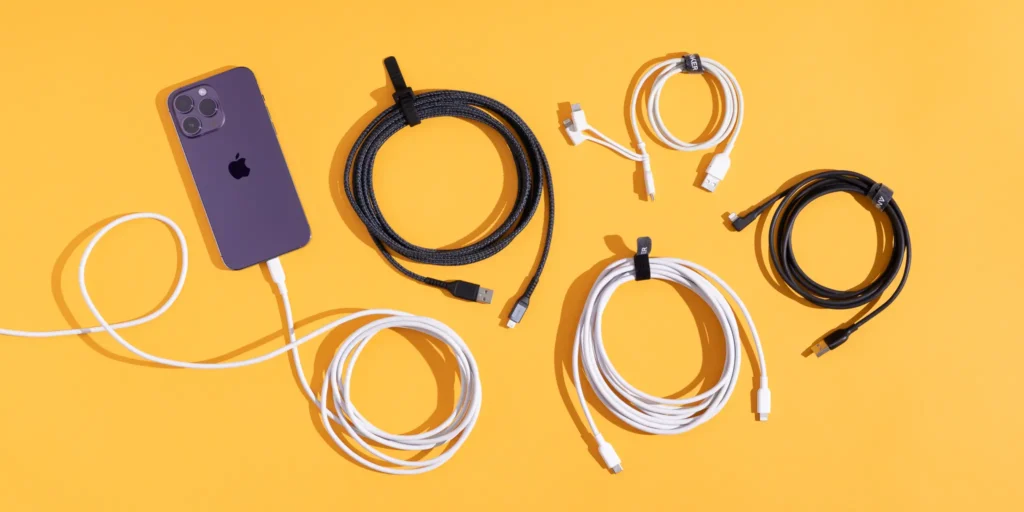
The iPhone 15 comes with a USB-C to USB-C cable in the box, making it easier than ever to charge your device. However, if you;re upgrading from an older iPhone, you may be wondering if your existing chargers and cables will work.
Compatibility: If you have a MacBook charger from 2015 or an iPad Pro charger from 2018, you’re in luck! They are compatible with your new iPhone. Any USB charger will work, provided you have a USB-A to USB-C cable if your charger has a USB-A port.
Which Cables Has Apple Advised Against Buying?
Apple recommends using MFi (Made for iPhone) certified chargers to ensure safety and performance. These cables undergo strict testing to meet Apple’s standards.
Why You Should Avoid Certain Cables
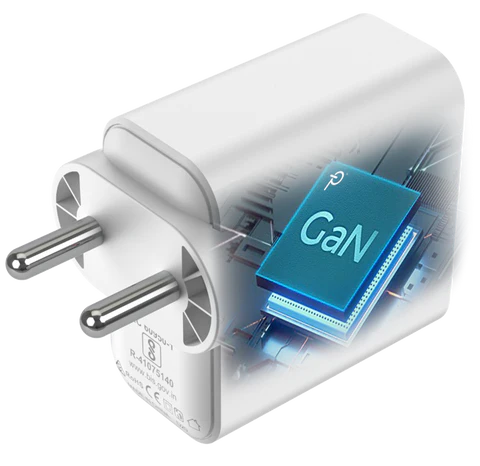
To achieve optimal charging speeds, consider using a 20W GaN (Gallium Nitride) charger, which supports fast charging for the iPhone 15 and 15 Plus at USD PD (Power Delivery) 18W. The iPhone 15 Pro and Pro Max can reach up to 29W.
Data Transfer
iPhone 15 and 15 Plus: Support USB 2.0 data rates (up to Mbps).
iPhone 15 and Pro Max: Support USB 3.2 Gen 2×1 data rates (up to 10 Gbps)
Your choice of USB-C cable directly impacts both charging speeds and data transfer rates.
Recommended USB-C Cables for your iPhone 15
Here are some top-rated USB-C cables that offer excellent performance:
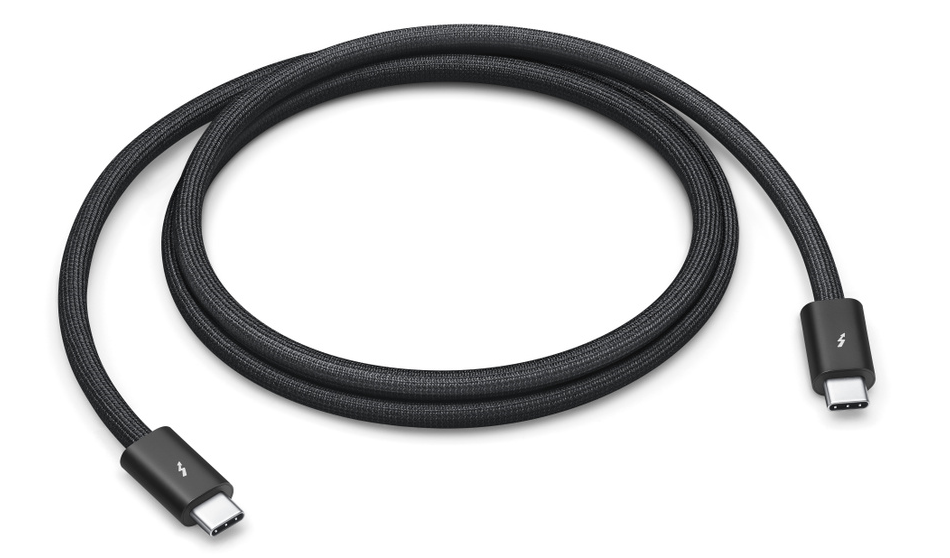
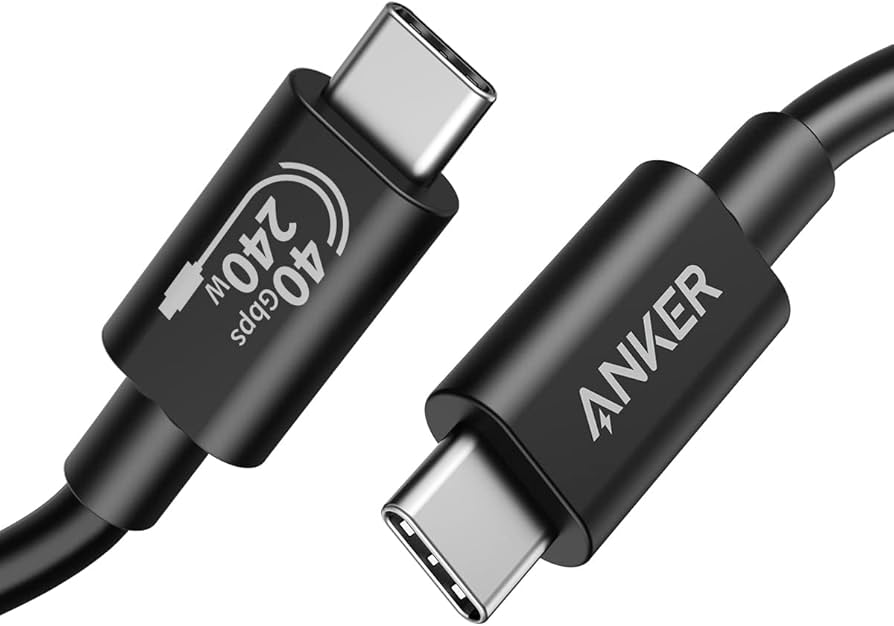
Anker Thunderbolt 4 USB-C Cable
Data transfer speed: Up to 40 Gbps
Maximum charge: 100W
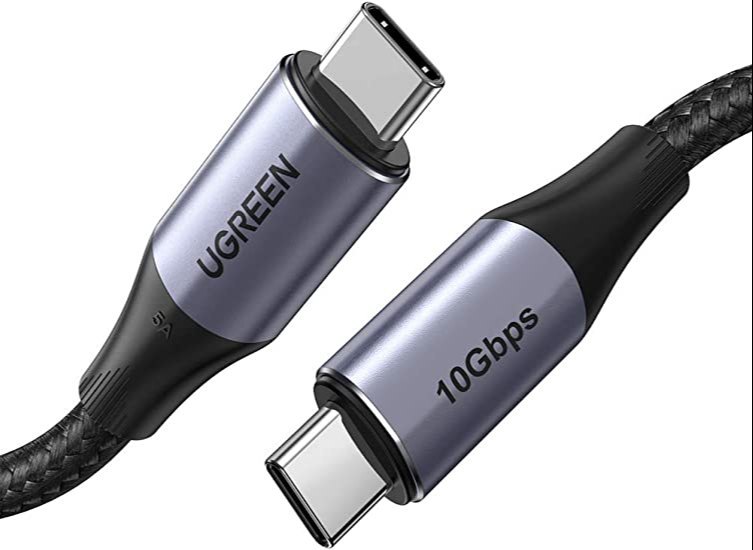
UGREEN USB 3/2 GEN USB-C Cable
Data transfer speed: 10 Gbps
Maximum charge:140W
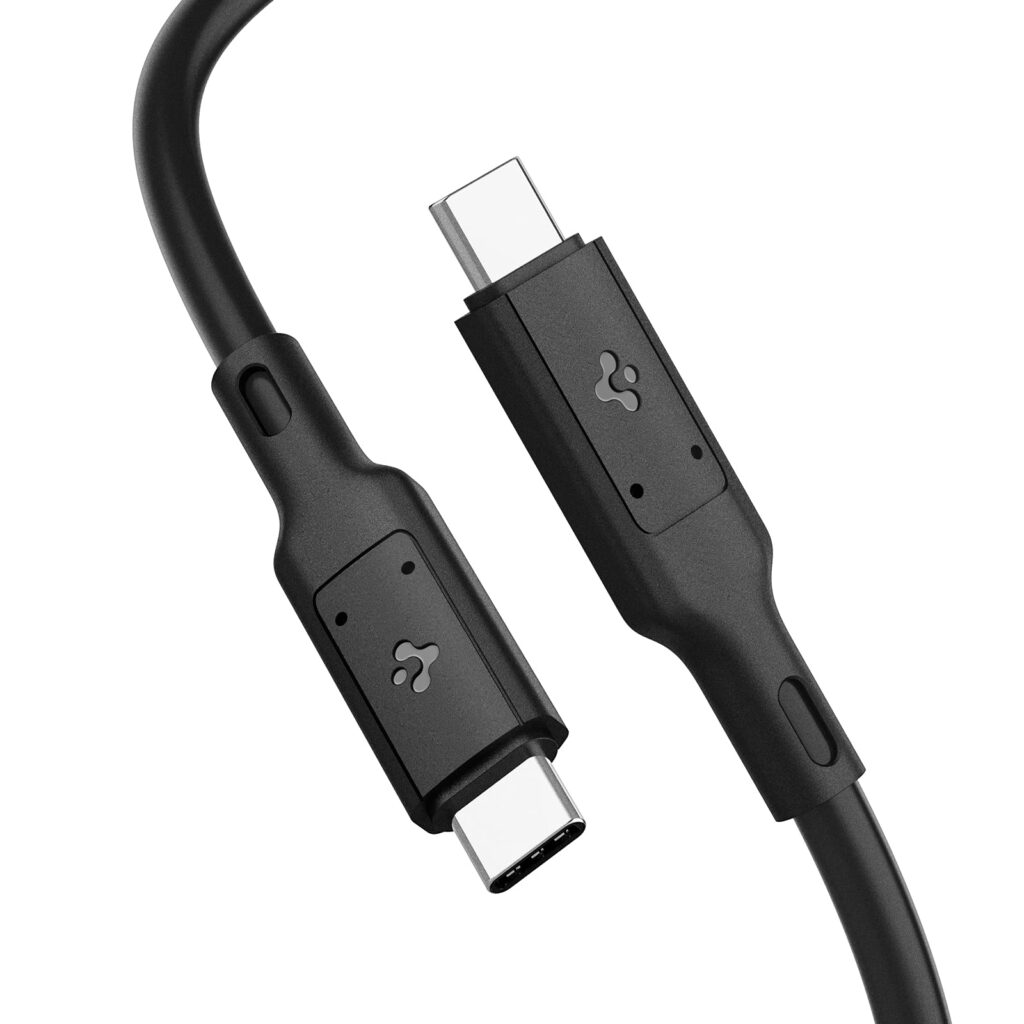
Spigen Thunderbolt 4 USB-C Cable
Maximum charge: 100W
10,000-bend lifespan for durability
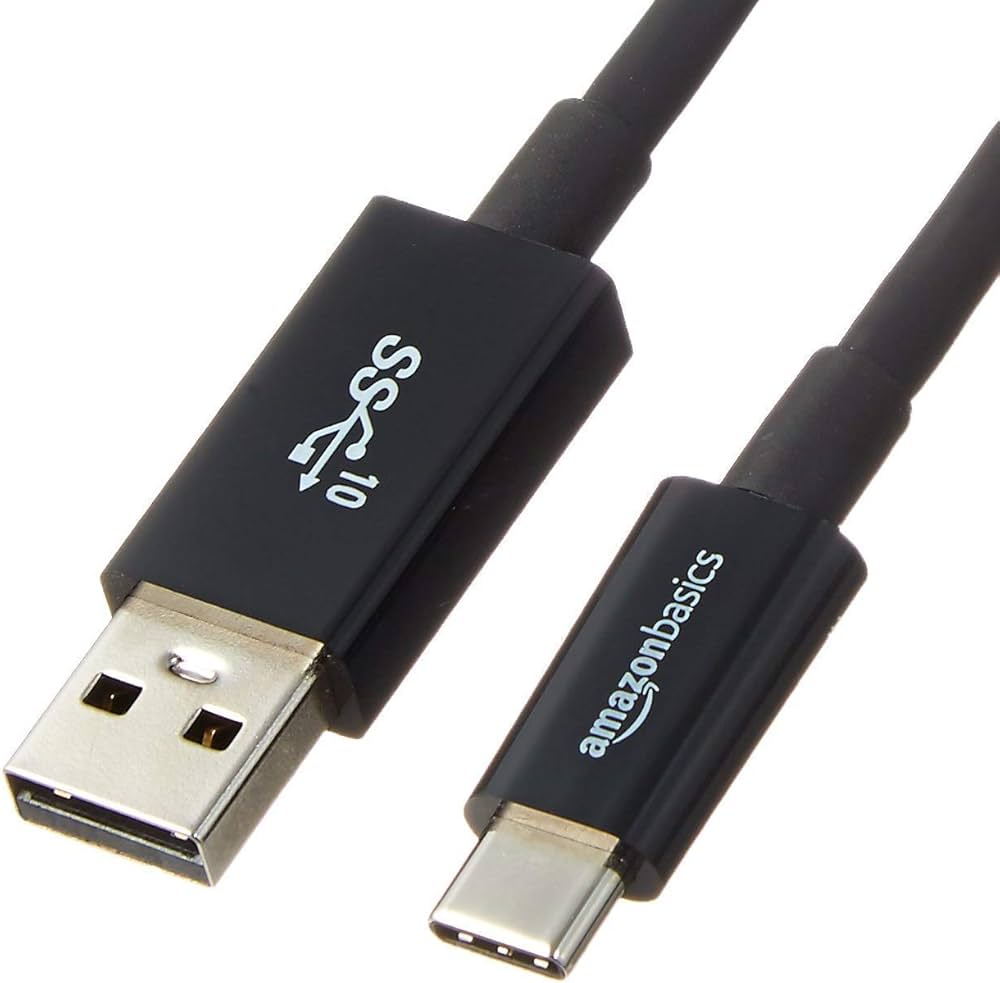
AmazonBasics USB-C 3.1 Gen 2 Cable
Data transfer speed: 10 Gbps
Maximum charge:60W
Length: 3ft
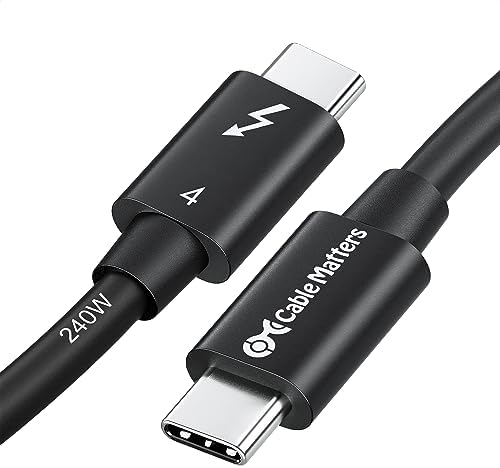
Cable Matters Thunderbolt 4 USB-C Cable
Data transfer speed: 40 Gbps
Maximum charge:100W
Length: 6.6ft, rugged and durable
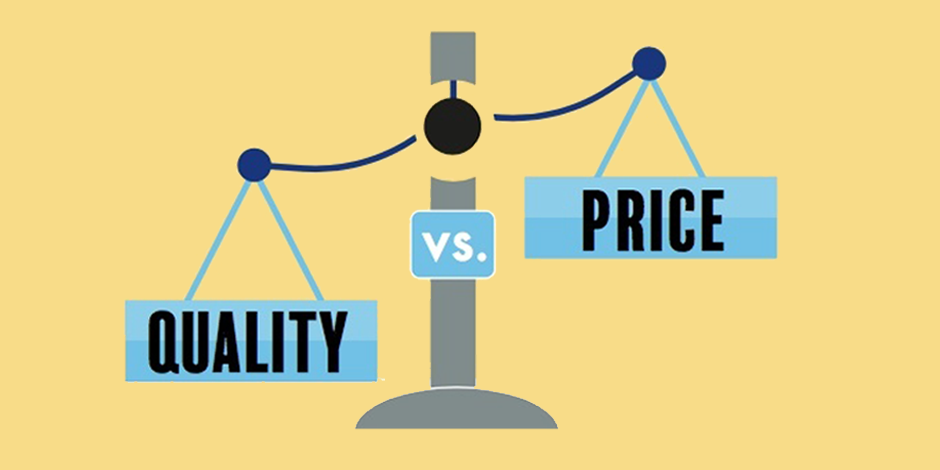
Should You Prioritize Price or Quality
When selecting a USB-C cable, it’s essential to balance price and quality. While budget friendly options like the AmazonBasics USB-C Cable offer solid performance at $18, investing in higher-quality cables can ensure better durability and faster charging. Always choose a cable that meets your specific needs for data transfer and charging speeds.
Conclusion
In summary, you don’t necessarily need to purchase a new USB-C cable for your iPhone 15, especially if you already own compatible chargers. However, choosing the right cable can enhance your charging and data transfer experience.
Thank you for choosing TekEons! Your feedback is invaluable, and we look forward to helping you navigate the world of technology. For any questions or product suggestions, feel free to comment in the forms below!